The short version
- Hidden object games ask you to find a list of items inside one detailed picture. That is the whole rule set.
- Three scene types dominate: word lists, silhouettes, and riddle clues. Each one needs a different search approach.
- Scanning in a fixed pattern beats clicking randomly by a wide margin — it stops you from re-checking the same area.
- Free browser versions are the best way into the genre: no install, no account, and a new scene in seconds.
- If you are on a phone, zoom and a steady finger matter more than raw eyesight.
There is a particular kind of silence in a good hidden object game. You lean in, the rest of the room drops away, and the only thing in the world is a teacup that should be next to the window but clearly is not. Ten minutes later you look up and realise you have not touched your phone once. Very few browser games earn that level of attention.
Hidden object games have been quietly one of the most played casual genres for two decades, and the free browser versions have never been better. This guide covers what the genre actually is, how the different scene types change the way you should search, and the techniques that make finding things feel deliberate instead of lucky. Everything here applies whether you play on a laptop, a tablet, or a phone.
What hidden object games actually are
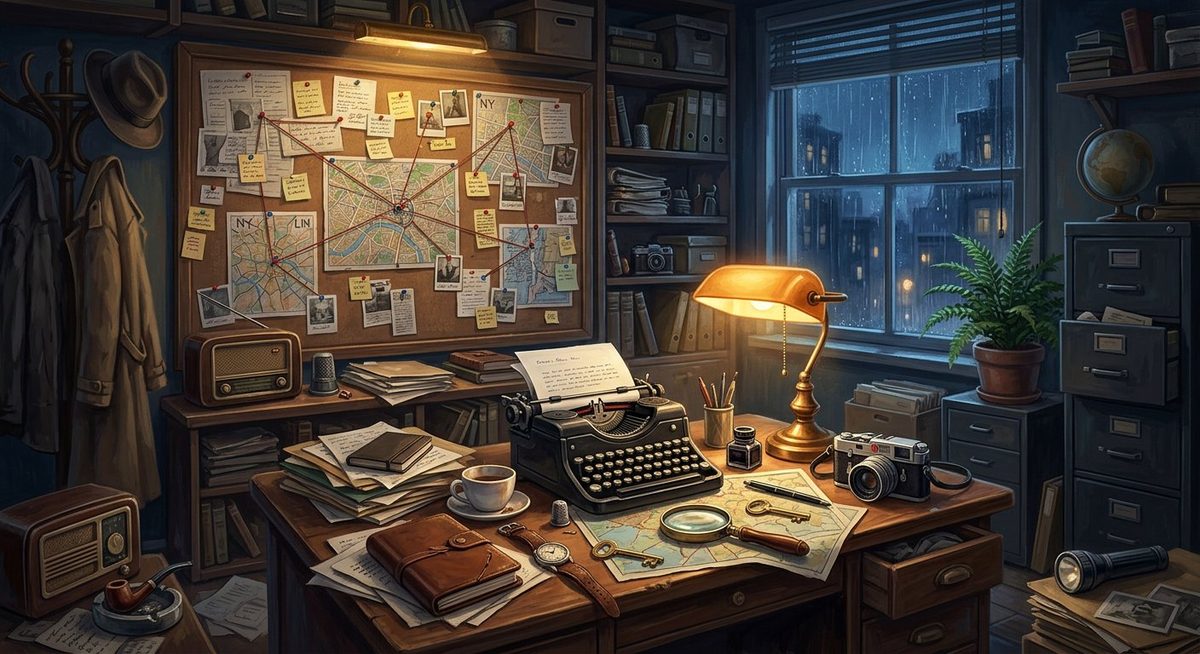
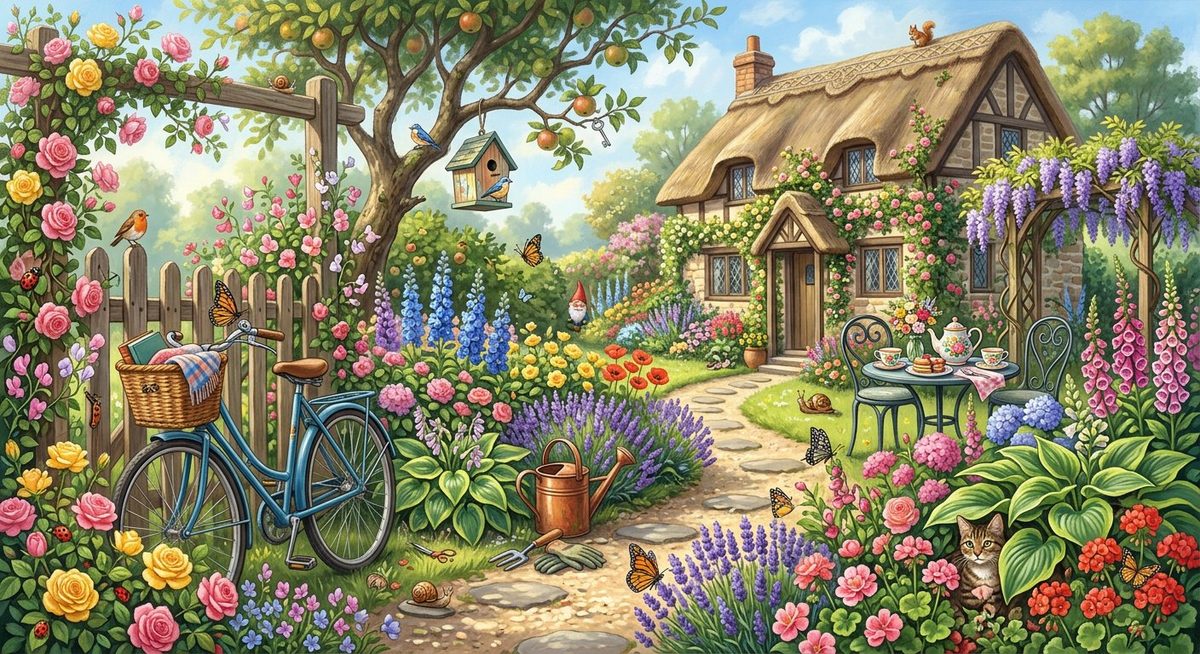
A hidden object game gives you one illustrated scene — a cluttered study, a garden, a hotel lobby — and a list of objects that are somewhere inside it. You tap or click each object until the list is empty, then the game moves you to the next scene. Some titles wrap a story around the scenes; some only count your time. The core loop never changes: search, find, confirm.
What separates a good one from a forgettable one is not the artwork, it is the fairness of the placement. In a well-designed scene, every object is hidden in a way that makes sense once you see it: the thimble sits where a thimble would sit, the key is in a key-shaped gap, the feather lies along a book spine. In a cheap scene, objects are simply pasted at random angles behind other objects. You can feel the difference within thirty seconds.
The three scene types, and how each one plays
Almost every hidden object game online falls into one of three families. Knowing which one you are in changes your whole approach, because the information you are given is different each time.
| Scene type | What you are shown | Best approach | Suits |
|---|---|---|---|
| Word list (classic) | Names of the objects, usually in a side panel | Read the whole list first, then scan for two or three at a time | Beginners; relaxed evening play |
| Silhouette | Black outlines with no words or colour | Match shape families first — anything with a handle, anything round | Players who know the genre and want a step up |
| Riddle / clue text | A sentence describing the object | Decode the clue into a plain object name before you start looking | Players who enjoy a word puzzle with their scene hunt |
| Puzzle hybrid | Scenes alternating with jigsaws, locks or match-3 boards | Play the scene in one honest pass, then solve the interlude calmly | Long sessions; players who want variety |
Most free hidden object games no download sites mix at least two of these. If you are new, start with a word-list scene — the label does most of the mental work for you and lets you focus purely on visual scanning.
Why free browser versions beat app-store copies
There is a version of this genre on every app store, usually with an energy timer, a coin pack, and a notification asking you to come back. The browser versions on a site like our game library skip most of that, and for a casual genre the trade-offs genuinely favour the web:
- Nothing to install. A 200 MB download to play a scene you will finish in six minutes is a bad trade. HTML5 scenes start in a couple of seconds.
- No account, no email. You never hand over an address to play, which also means you never get a "your energy is full" push at 8 a.m.
- The same scene on any device. Start on a laptop at lunch, finish on your phone in the evening — same game, same progress inside the session.
- No update cycle. Browser games load the current build every time, so a fixed bug stays fixed instead of waiting for a store review.
- Honest difficulty. Without an energy system, the difficulty curve has to be interesting rather than engineered to sell hints.
How to play: a six-step first session
You do not need a tutorial to start, but a couple of minutes of setup makes the first scene noticeably smoother.
- Read the entire object list before you touch anything. Your brain is much better at spotting a target it already knows about. Reading four words and hunting immediately is why people spend two minutes on an object that was in plain sight.
- Set the scene to full size. On a laptop, enter full-screen mode. On a phone, turn the device to landscape if the game supports it — more of the scene stays visible at once.
- Scan in a fixed pattern. Left to right, top to bottom, like reading a page. Do not let your eyes wander to whatever looks interesting; wander is how you scan the same corner four times.
- Use the list as a checklist, not a menu. Work down the list in order rather than cherry-picking the easy looking ones. It keeps you honest about what is left.
- Tap only when you are sure. Most games penalise wrong clicks with a short time penalty. A confident tap is worth more than five speculative ones.
- Spend hints where they hurt least. Save them for the last two objects, when the scene has already been scanned twice and your eyes are tired.
Five scanning techniques that cut your search time
Experienced players are not faster tappers. They are better at eliminating space. These are the habits that do most of the work.
| Technique | What you do | Why it works |
|---|---|---|
| Quadrant sweep | Split the scene into four blocks in your head and clear one block completely before moving on | Removes the "did I already check there?" loop that eats most of a session |
| Shape-first matching | Look for the object's outline — a hook, a circle, a straight edge — rather than its colour | Colour changes with the lighting painted into a scene; silhouette rarely lies |
| Edge bias | Check borders, shelf lines, frames and dark corners early | Designers hide objects where contrast is low, and low contrast clusters near edges |
| Cluster thinking | When you find one object, search a hand-width around it before moving away | Scenes are usually painted in groups, so two or three objects often share a corner |
| Zoom and rest | Pinch-zoom into one dense area, and blink deliberately every 20 seconds | Zoom fixes small-screen hunting; blinking resets the eye fatigue that causes misses |
Hints and difficulty: use them on purpose
Nearly every game ships a hint button and a difficulty selector, and most players ignore both until they are stuck. That is backwards. A hint used at the right moment saves a whole scene; a hint used in panic teaches you nothing.
A simple rule that works in almost every title: play a scene unaided until you have found all but the last two objects, then spend hints freely. You get the satisfaction of solving the scene, and you stop the session ending on a sour note. On mobile, raise the brightness a notch above your usual setting — hidden object scenes are painted with a lot of dark detail, and a dim screen hides exactly the contrast the designer relied on.
Difficulty settings usually change one of three things: the number of objects, whether wrong taps cost time, or whether the list is words, silhouettes or riddles. If a game feels too easy, jump to silhouettes before jumping to a time limit — it changes how you search rather than just making you hurry.
Which game fits the time you have
The genre is unusually good at fitting around a real day. A rough map of what to open, based on how long you actually have:
| Time available | Open this | Why |
|---|---|---|
| 5 minutes | A single classic scene | Self-contained, no story to re-enter, satisfying to finish in one go |
| 15 minutes | Two or three levels of a level-based title | Enough to feel the difficulty curve without committing to a plot |
| Evening | A story-driven hidden object game | Chapter structure gives natural stopping points if you want them |
| Late night, low focus | A bright, low-contrast scene with a generous hint budget | Less eye strain than dark scenes, and no timer pressure |
Where to play hidden object games free
Our library keeps hidden object titles alongside puzzle and strategy games, all of which open in a new tab and need no account. Two good places to start:
- Hidden Object: Clues & Mysteries — detailed illustrated scenes with a classic word list, ideal for a first session.
- Street of Secrets — denser scenes and a stronger atmosphere once the basics feel slow.
If you enjoy the search mechanic but want something more mechanical, Mahjong solitaire trains the same visual scanning with a cleaner rule set, and our top 10 HTML5 games list covers the rest of the library by mood.
Four mistakes that make scenes feel unfair
When a scene feels impossible, it is almost always one of these:
- Hunting the list instead of the scene. Jumping between eleven objects means scanning the same area eleven times. Search one area for everything.
- Ignoring the obvious. Objects in plain sight get skipped constantly because your eye assumes it has checked that spot. Trust the sweep, not your memory.
- Playing tired. This genre depends on visual attention more than reaction time, and attention degrades fast after a long day of screens.
- Fighting the interface. If zoom and pan feel awkward on your device, switch devices. A scene played at comfortable size is a different game entirely.
Frequently asked questions
Are hidden object games really free to play online?
Yes. The versions in our library are free HTML5 games that run in a browser tab with no purchase, subscription or account. Ads inside the game window pay the developer.
Do I need to download or install anything?
No. The games are built with HTML5 and stream in like a web page. Closing the tab ends the session, and there is nothing left behind on your device.
Can I play hidden object games on a phone?
Yes, and they work well on small screens. Landscape orientation gives you more of the scene at once, and pinch-to-zoom is usually supported. Brightness a notch above normal makes dark scenes much easier to read.
Are hidden object games good for memory or focus?
They are a genuine workout for visual attention and short-term recall, because you hold a list of objects in mind while scanning. Treat any cognitive benefit as a bonus rather than a medical claim — the main reason to play is that the search loop is enjoyable.
What is the difference between hidden object and seek-and-find games?
Practically nothing. "Seek and find" and "I spy" are looser terms for the same idea, often used for simpler, kid-friendly scenes without a story or timer. Hidden object games usually imply a list, hints and a progression system.
Why do I keep missing objects I have already looked at?
Because your eye skips what it expects to see. The fix is a fixed sweep pattern plus a deliberate blink every twenty seconds — both interrupt the assumption that an area has already been cleared.
The takeaway
Hidden object games are one of the last genuinely relaxing things left on the internet. There is no rank to protect, no daily streak to feed, no shop to browse. Just a well-painted room, a short list, and the small click of satisfaction when the last item lands.
Start with a word-list scene, sweep in quadrants, and save your hints for the end. Do that for three scenes and you will be faster than most people who have been playing for years — and you will still be able to stop after one level, which is more than most games can say.